


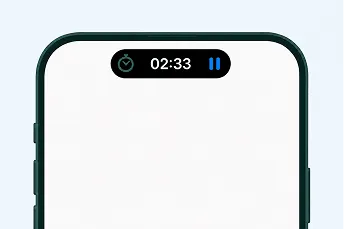
Keep the activity timer in view.
On compatible iPhones, see elapsed activity time on the Lock Screen and Dynamic Island while the timer runs.



Track who did what, when, and for how long—then review the facts with your tax professional.
HostHours organizes factual time and activity records for review. It does not determine qualification or guarantee a tax outcome.
IRS Publication 925 (opens in a new tab)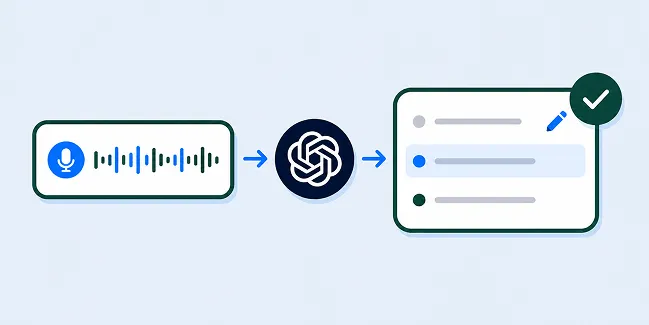
Voice, powered by AI
Speak a quick note. HostHours structures what you say into an editable activity draft, then lets you review every field before anything is saved.
Inside HostHours
HostHours helps US rental owners record property work, add optional evidence, review gaps, and export factual records—on web, iOS, and Android.
On compatible iPhones, see elapsed activity time on the Lock Screen and Dynamic Island while the timer runs.
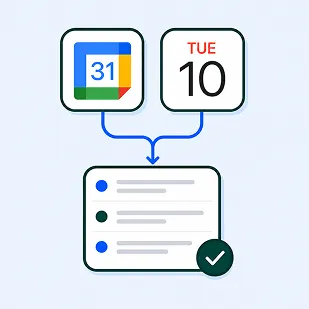
Review events from selected device calendars, then save only the work you confirm.

See open months and missing details, then review what needs attention before you export.
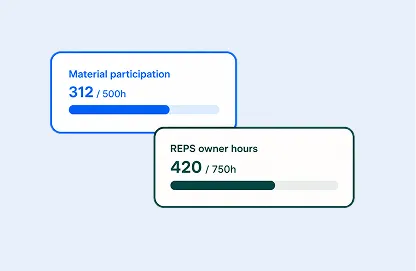
See year-to-date hours against the tracking reference selected for each property.

Signed-in records sync to an account-scoped cloud workspace, with a local cache for offline work.
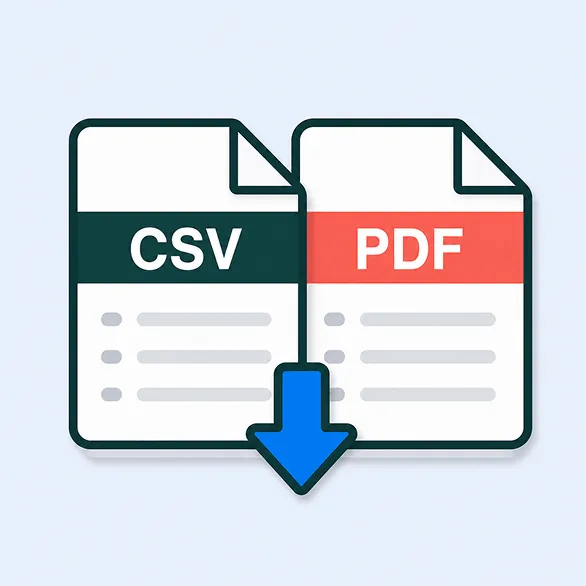
Generate and share activity records as PDF or CSV for review or handoff.
Two straightforward plans
Essential keeps manual recordkeeping complete and fair. Pro adds faster capture, reviewed imports, and a cleaner CPA handoff.
Essential
Billed monthly
($10.00/month)
Billed once per year
Pro
RecommendedBilled monthly
($13.33/month)
Billed once per year
Prices shown are target US list prices. Final localized prices and renewal terms will appear in the App Store or Google Play purchase flow.
FAQ
Property work by date, duration, person, category and notes, plus optional image or PDF evidence. Entries remain factual records you review and can correct.
Yes. Rental type belongs to each property, so one portfolio can include both short- and long-term rentals with a clear tax year for each workspace.
Free covers one property and up to 15 saved records. Essential adds up to three properties, unlimited records, custom organization, one evidence file per activity and standard CSV. Pro adds unlimited properties, reviewed recall tools, five files per activity and the complete PDF/CPA CSV packet.
They create editable starting points. Voice AI structures what you say into a draft. Calendar Recall shows clues from calendars you explicitly select on your device. Neither creates an activity until you review and confirm it.
No. HostHours does not determine material participation, deductions, tax status, compliance or audit outcomes. It organizes factual records for discussion with a qualified CPA or tax professional.
No. Evidence is optional supporting context and does not independently verify that work happened. Free allows no new evidence uploads, Essential up to one file per activity, and Pro up to five.
Export My Data remains available on every plan. Account deletion is available in Settings, but it is separate from canceling an App Store or Google Play subscription.
HostHours for web, iOS & Android
Capture rental work while it’s fresh, keep supporting context with each activity, and review the facts before you share them.
Important boundary
HostHours is a factual recordkeeping tool, not tax, legal, accounting or financial advice. It does not determine material participation, deduction eligibility, tax classification, compliance, audit acceptance or another professional outcome. Review your circumstances with a qualified CPA or tax professional.